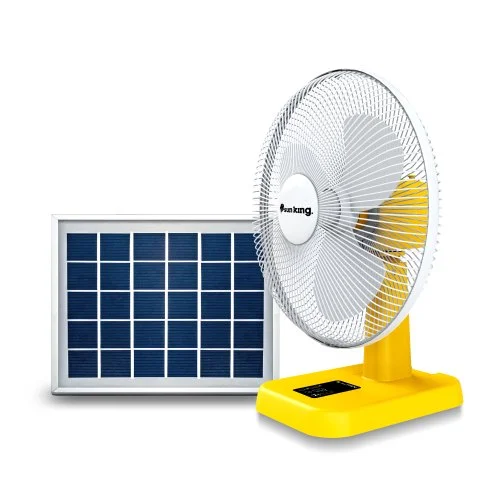
A solar fan can provide reliable cooling while reducing dependence on grid electricity and fuel-powered generators. However, like any electrical appliance, proper maintenance is necessary to keep it working efficiently.
Regular maintenance can help preserve airflow, protect the battery, improve charging performance, and extend the useful life of the fan.
For Nigerian users, where dust, heat, humidity, and frequent use can affect electrical equipment, proper care is especially important.
1. Keep the Fan Blades Clean
Dust can accumulate on fan blades over time. Dirty blades can reduce airflow and may cause the fan to work less efficiently.
Turn the fan off and disconnect it from its power source before cleaning.
- Use a soft, dry or slightly damp cloth according to the manufacturer’s instructions.
- Do not pour water directly onto the fan or electrical components.
2. Clean the Protective Grille
The grille can also accumulate dust. A dirty grille can restrict airflow and make the fan less effective.
Clean it regularly, particularly if the fan is used in a dusty environment.
3. Keep the Solar Panel Clean
Solar panels need sunlight to generate electricity. Dust and dirt on the panel surface can reduce the amount of sunlight reaching the solar cells.
Clean the panel periodically using an appropriate soft cloth and follow the manufacturer’s cleaning recommendations.
Avoid harsh chemicals or abrasive materials that could damage the panel.
4. Position the Solar Panel Correctly
The solar panel should be positioned where it can receive adequate sunlight.
Avoid unnecessary shading from buildings, trees, walls, or other objects.
If the panel is permanently installed, periodically check whether new structures or growing vegetation are blocking sunlight.
5. Take Care of the Battery
The battery is one of the most important components of a solar fan.
Follow the manufacturer’s charging instructions and avoid using the battery outside its recommended operating conditions.
- If the fan uses a removable battery, ensure it is installed correctly.
- Do not use damaged, swollen, leaking, or visibly compromised batteries.
6. Avoid Overloading the System
Some solar fans include USB ports, lights, or additional charging functions. These features can consume energy from the battery.
Avoid connecting devices that exceed the manufacturer’s recommended capacity.
Overloading can reduce runtime and potentially damage the system.
7. Store the Fan Properly
If you will not be using the fan for an extended period, store it in a cool, dry environment.
Avoid exposing the fan or battery to excessive heat or moisture.
Follow the manufacturer’s recommendations for long-term battery storage.
8. Protect the Fan From Water
Unless the product is specifically designed to be water-resistant or waterproof, keep it away from rain and water.
This is particularly important for portable fans used outdoors.
Water can damage electrical components and create safety risks.
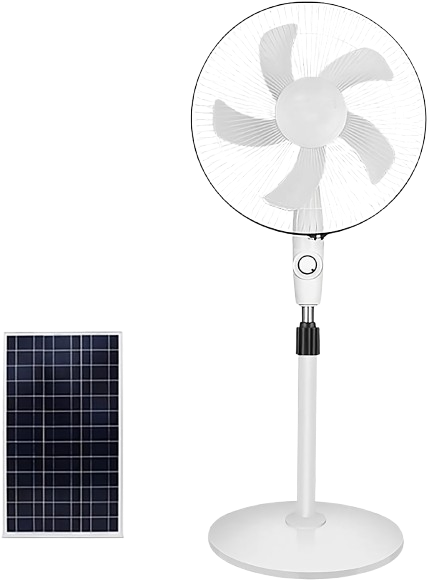
9. Listen for Unusual Sounds
Pay attention to changes in the fan’s operation.
Unusual rattling, grinding, buzzing, or squeaking may indicate a mechanical problem.
Do not ignore unusual sounds, especially if they become progressively louder.
10. Check the Charging System
If the fan suddenly takes much longer to charge than usual, check the solar panel, cable, connectors, and charging equipment.
Poor connections can reduce charging performance.
If the problem persists, contact a qualified technician or the product supplier.