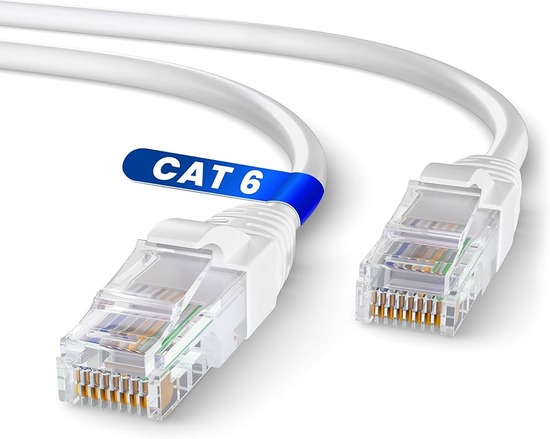
Ethernet cables look identical to the untrained eye. Flat, plastic, with identical connectors. Yet the specifications printed along the jacket—Cat5e, Cat6, Cat6a represent meaningful differences in performance, durability, and future-proofing. Understanding these distinctions prevents the frustration of networks that underperform or require premature replacement.
Cat5e, the enhanced version of Category 5, supports gigabit speeds up to 100 meters. For most current home applications—internet browsing, video streaming, standard file transfers—this is sufficient. It is also the most economical option, making it attractive for basic setups where budget constraints matter. However, Cat5e lacks the shielding and bandwidth headroom that higher-demand applications require.
Cat6 cables introduce tighter twisting and improved shielding, reducing crosstalk and supporting 10-gigabit speeds over shorter distances. For home offices with network-attached storage, multiple high-definition video streams, or plans to upgrade internet service beyond gigabit, Cat6 provides meaningful headroom. The price premium over Cat5e is modest, making it a sensible default for new installations.
Cat6a, the augmented specification, extends 10-gigabit support to the full 100-meter standard distance. It also features superior shielding against electromagnetic interference, valuable in environments with multiple cables, electrical equipment, or industrial noise. For professionals working with large media files, virtual machines, or anticipating long-term network evolution, Cat6a represents the most future-proof investment.
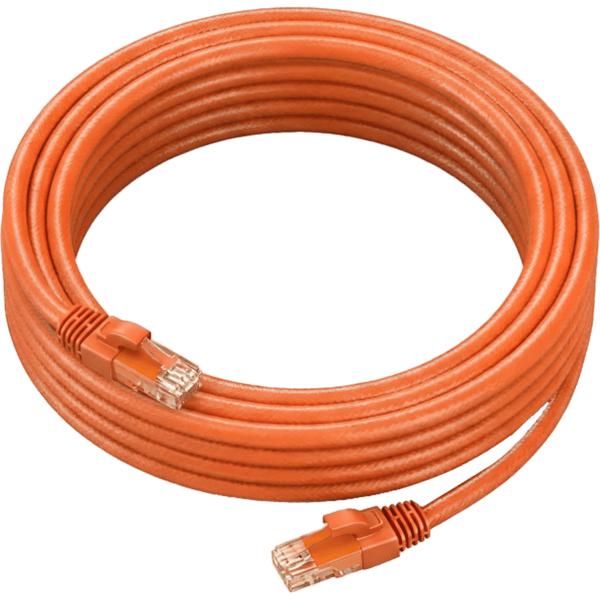
The practical advice for most home office builders is straightforward: install Cat6 for current needs with moderate future-proofing. Reserve Cat6a for demanding applications or installations where cable replacement would be difficult. Avoid Cat5e for new builds unless budget constraints are severe.
Actionable Conclusion: Before your next cable purchase, examine the jacket of any existing Ethernet cable in your workspace. If it reads Cat5 without the “e,” replace it immediately—you are limiting your network to 100 megabits. For new installations, buy Cat6 in bulk from reputable suppliers and terminate with quality connectors, or purchase pre-made cables from established brands. Measure your longest required run before ordering; buying exactly what you need reduces waste and cost.
Label both ends of every cable during installation—future troubleshooting will take minutes instead of hours.
Finally, test every cable with an inexpensive cable tester before sealing walls or closing conduits. The five minutes spent verifying now saves the five hours spent diagnosing mysterious connectivity issues later.
Visit energymall.ng today for more of our energy products